Veeam Backup and Replication for Virtual Workloads
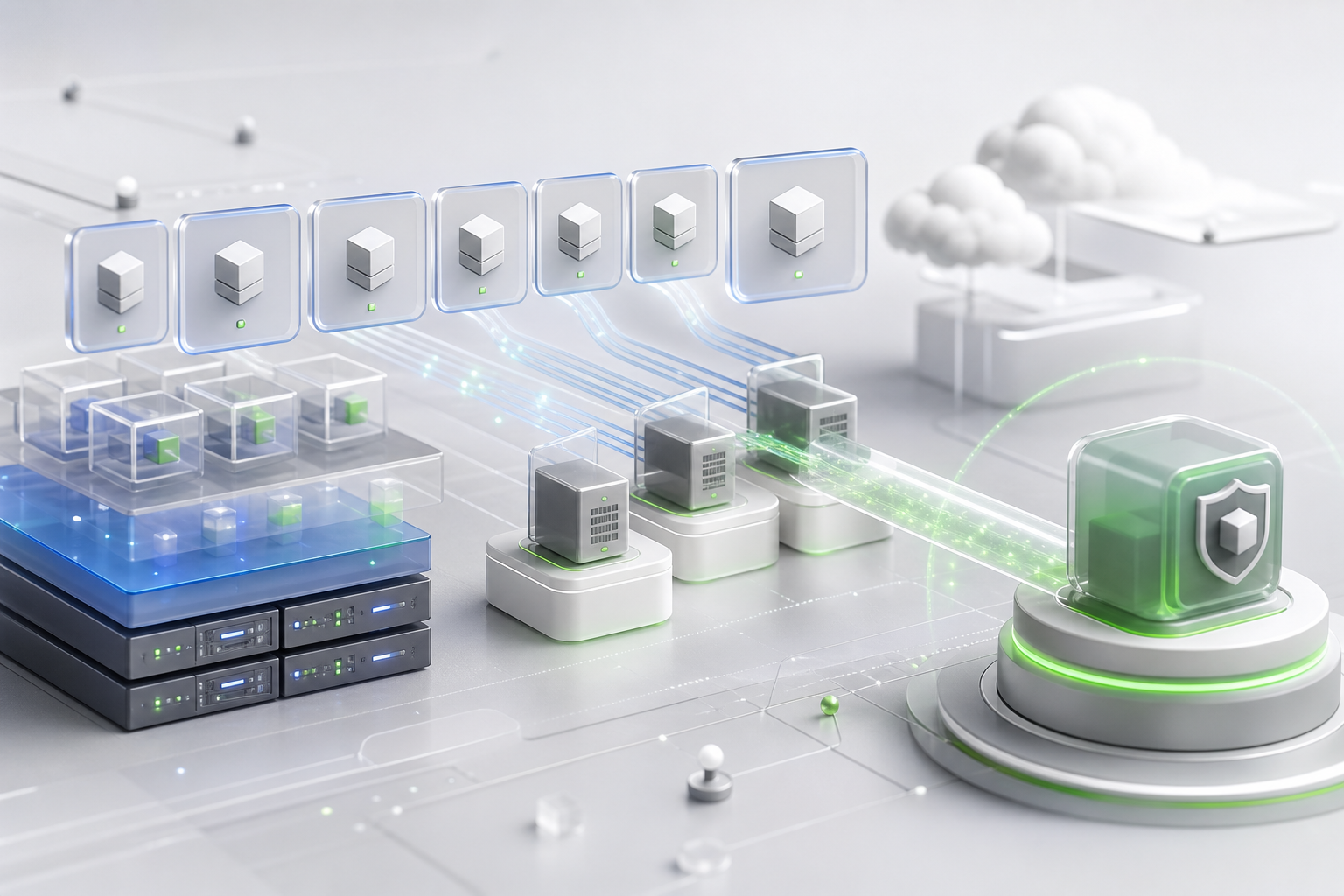
Virtual workloads are often the reason teams first evaluate Veeam Backup & Replication. Virtualization made it possible to protect machines at the image level, coordinate snapshots, and recover systems in flexible ways. That flexibility is powerful, but it also requires planning around consistency, transport, proxy placement, and restore targets.
Veeam Backup and Replication snapshot awareness
Snapshots help capture a point-in-time view, but they are not a long-term backup strategy by themselves. A backup workflow must create a usable recovery point, move data efficiently, release temporary snapshot state, and record the result. If snapshots remain too long or storage is already under pressure, performance and stability can suffer.
Administrators should monitor snapshot behavior after job changes. A new schedule, larger workload, or slower repository can extend job duration. What looks like a small timing change may affect production if it overlaps with business hours or heavy application activity.
Veeam Backup and Replication application consistency
A virtual machine can be captured at the image level, but applications inside the machine may need extra attention. Databases, directory services, and transaction-heavy systems should be protected in a way that respects application state. Application-aware processing and supported credentials can help, but teams need to confirm what is enabled and whether it matches the workload.
Do not assume every virtual machine needs identical settings. A stateless web node, a database server, and a domain controller have different recovery expectations. The job design should reflect those differences.
Veeam Backup and Replication proxy and transport choices
Proxy placement affects how data moves from virtual infrastructure to repositories. Poor placement can create network bottlenecks or slow job windows. Good placement considers host access, storage architecture, network throughput, security boundaries, and the amount of data expected during backup windows.
Transport choices should be reviewed after infrastructure changes. A storage migration, hypervisor change, new cluster, or network redesign may alter the best path. Keep diagrams current enough that another administrator can understand why a job is built the way it is.
Veeam Backup and Replication recovery targets
Recovery planning should include where a virtual workload can return. Restoring to the original location may be simple during a small incident, but a larger outage may require an alternate host, cluster, datastore, or isolated network. Test both the normal path and at least one constrained scenario.
Use one contextual link, such as Veeam Backup & Replication, to keep article navigation simple while preserving the reader's focus on virtual workload design. The core lesson is straightforward: virtual backup is not just about copying a machine. It is about returning a useful service with predictable data, performance, and access.