Backup jobs
Plan workload protection around schedules, retention, repositories, and verification so recovery points are predictable instead of accidental.
Veeam Backup & Replication is widely used to protect virtual, physical, and cloud workloads through centralized jobs, recovery points, replicas, and policy-based operations. This fan site explains the product in clear English for administrators, students, and decision makers who want practical context without vendor support claims.
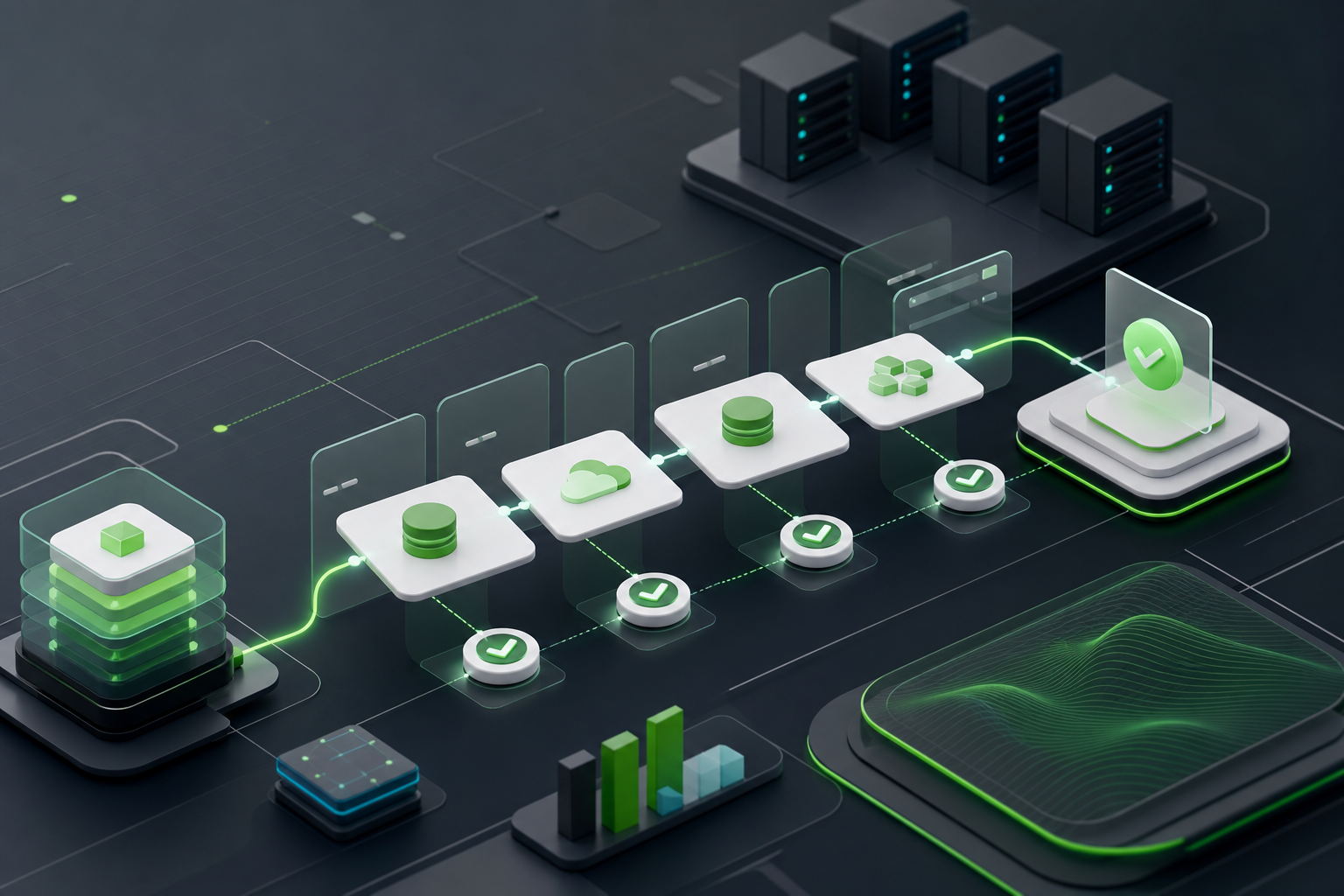
Modern ver81 mod15 data protection has to answer several questions at once: where recovery points live, who can change them, how quickly a workload can return, and how evidence is collected after an incident. Veeam Backup and Replication brings these topics into a central operational model, while the actual design still depends on storage, networks, identity, and organizational process.
Plan workload protection around schedules, retention, repositories, and verification so recovery points are predictable instead of accidental.
Think through restore scope, application consistency, replica readiness, and clean recovery paths before pressure arrives.
Use immutability concepts, least privilege, monitoring, and documented change control to reduce the risk of backup tampering.
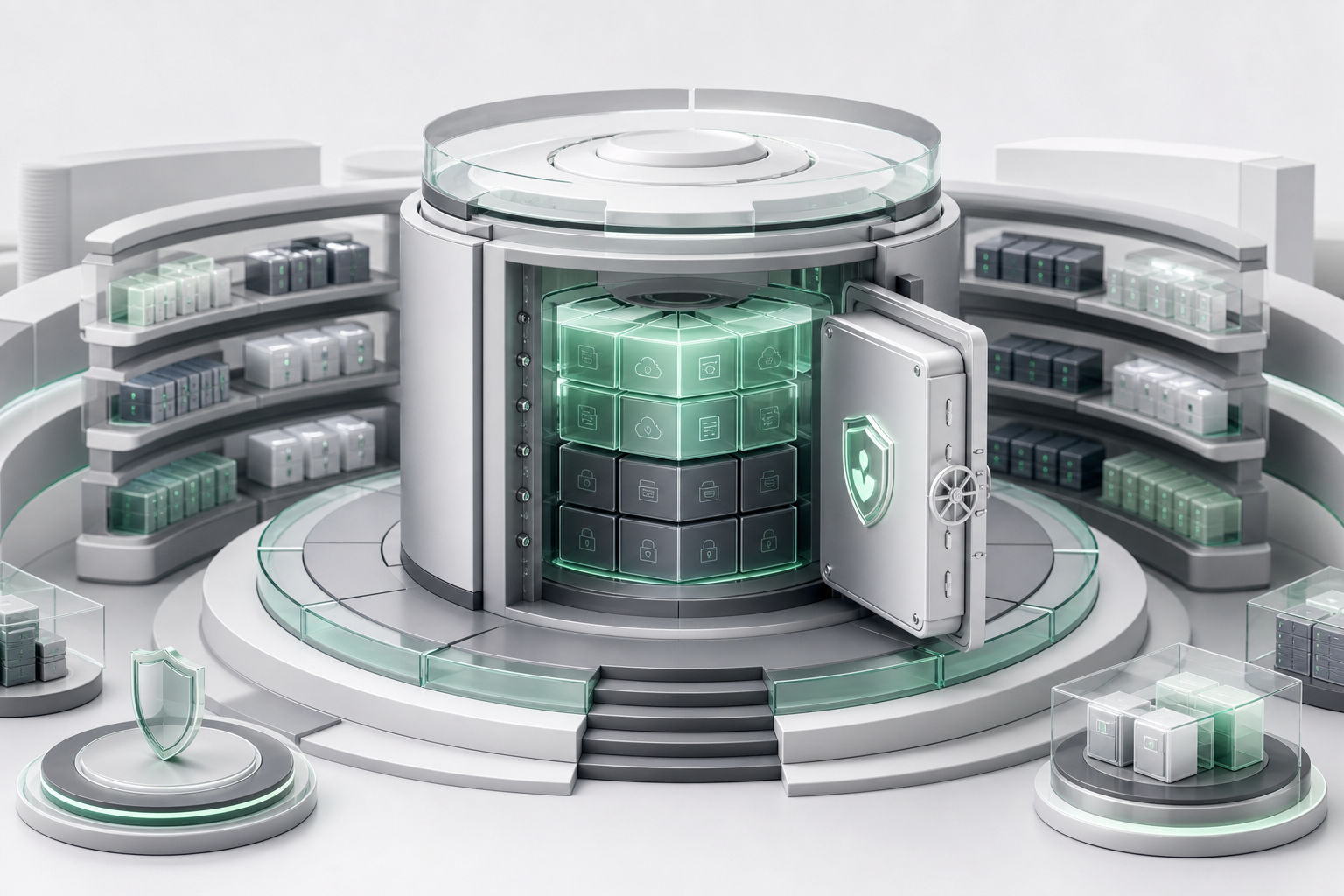
In a typical environment, Veeam Backup & Replication coordinates backup jobs, replica jobs, backup copy movement, recovery tasks, and related reporting from one console. It can protect virtual machines, physical servers, workstations, and selected cloud workloads when the environment is prepared correctly.
Good deployments begin with inventory. A payroll database, a file server, a developer lab, and a public web tier do not need the same frequency, retention, or recovery workflow. The best value comes from mapping technical jobs to business outcomes.
A backup platform is successful only when it supports the recovery time and recovery point expectations of the organization. Short recovery objectives usually require faster storage, tested procedures, and clear ownership. Longer retention may require capacity planning, archive policy, and stronger lifecycle controls.
Veeam Backup & Replication works best when it is part of a wider operating model: inventory review, patch management, monitored jobs, alert triage, periodic test restores, and incident runbooks.
Separate critical, important, and routine systems before assigning job rules.
Check repository capacity, retention impact, and access boundaries.
Prove that permissions, targets, and procedures work before pressure arrives.
Confirm job results and warning paths after every meaningful change.
This table is an independent, high-level comparison. Real results depend on version, licensing, architecture, staff experience, and operational maturity.
| Criterion | Veeam Backup & Replication | Commvault | Acronis Cyber Protect | Veritas NetBackup |
|---|---|---|---|---|
| Virtual workload focus | Strong and widely adopted | Strong enterprise breadth | Good small-business fit | Strong enterprise depth |
| Operational clarity | Direct job-centered workflow | Powerful but complex | Simplified bundles | Process-heavy at scale |
| Recovery testing culture | Well suited to routine drills | Capable with planning | Useful for smaller estates | Capable with specialist skills |
| Repository flexibility | Broad storage choices | Broad choices | Vendor-service oriented | Broad choices |
| Learning curve for admins | Approachable | Steeper | Approachable | Steeper |
| Best fit | Teams that want fast, visible recovery operations | Large mixed estates | Endpoint-heavy organizations | Large regulated estates |
The table favors our subject because this site is about Veeam Backup & Replication, but architecture decisions should always be tested against your own recovery objectives.
"The clearest benefit is how quickly I can see which jobs ran, which recovery points exist, and what needs attention before users notice a problem."
"Veeam Backup & Replication helped our team turn recovery drills into a repeatable habit instead of an annual scramble."
"The product makes the technical work visible enough for operations, security, and application owners to discuss the same recovery plan."
These answers are general editorial notes. For licenses, product files, support cases, and production changes, use the authorized channels for your organization.